

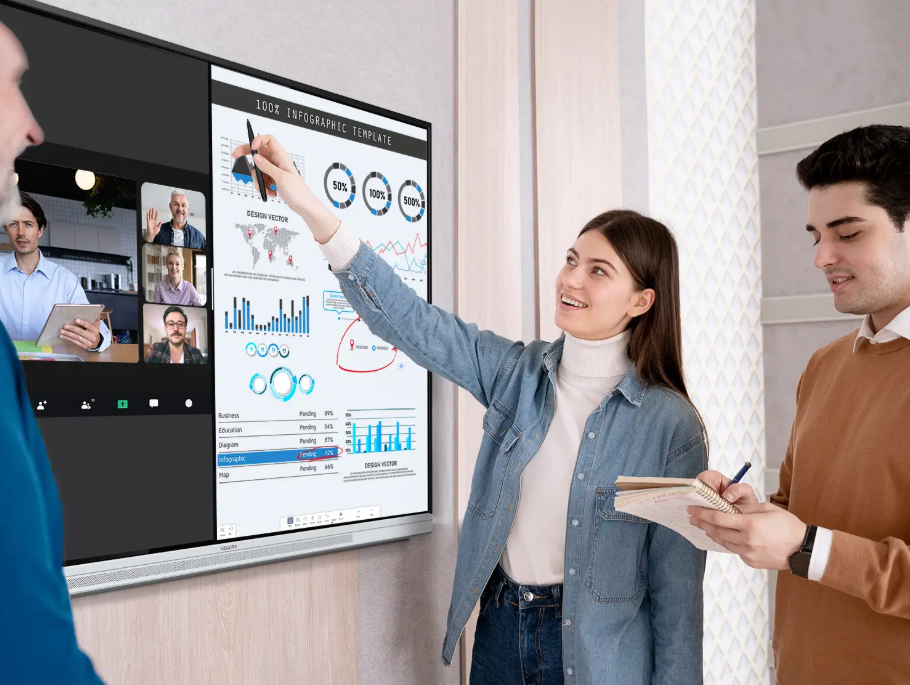
Interactive displays are increasingly used in classrooms, meeting rooms, training centers, and government offices. Their connection to networks and shared devices creates practical questions about access permissions, data privacy, software updates, and ongoing maintenance. IT teams need to evaluate these issues before purchasing equipment. A clear security plan helps organizations identify potential risks and establish management procedures that fit their existing IT infrastructure.
How Should IT Teams Assess Network Security?
Network access is an important starting point when evaluating an interactive display. IT administrators should identify the connections required for wireless screen sharing, internet access, and collaboration software. They should also determine whether these functions need access to internal systems or can operate through a separate network.
Network segmentation can help limit communication between shared displays and sensitive organizational resources. For example, a school may separate classroom equipment from systems containing student records. A company may apply similar controls to meeting rooms used for confidential discussions. The final configuration should follow the organization’s existing network policies.
Before deployment, administrators should document the required network settings, approved connections, and responsible support personnel. This information helps technical teams troubleshoot connection problems without making unnecessary changes to security rules.
Which Access Controls Should Buyers Examine?
Interactive displays are often shared by people with different responsibilities. Teachers and meeting participants need access to presentation tools, while IT administrators may need permission to change configurations. These roles should be separated wherever the device supports appropriate controls.
Buyers should ask whether the system supports account authentication, role-based permissions, and restrictions on administrative settings. They should also confirm how users sign out and how access is handled when staff leave an organization. These details affect the daily management of shared equipment.
Physical access deserves attention as well. A display in an unlocked classroom or public meeting room may be accessible to visitors outside normal working hours. Organizations can reduce this risk through room access policies, secure installation arrangements, and clear procedures for reporting unauthorized changes.
How Can Organizations Protect Shared Information?
Wireless screen sharing allows staff and students to present content without repeatedly connecting cables. However, a session may expose confidential information if connections remain active after a meeting or lesson. Users should understand how to approve connections, disconnect devices, and end sharing before leaving the room.
Data storage requires a separate review. IT teams should determine whether the display stores documents, account information, application data, or session records. They should ask where this information resides, who can access it, and how it can be deleted when equipment is reassigned or retired.
Organizations should also establish rules for handling sensitive material. Teachers may need guidance on student information, while businesses may restrict the presentation of financial records or internal plans. Government departments may have additional requirements based on information classification. These procedures should reflect actual operating policies rather than rely on general assumptions about device security.
What Should IT Teams Ask About AI Features?
AI-related functions can support different activities depending on the product and configuration. Some features may process written prompts, voice input, images, or other information. Administrators should identify which functions are available and determine whether they send data to external services.
Privacy reviews should cover data collection, storage locations, retention periods, and access permissions. Schools need to consider how student information is handled. Businesses should review whether confidential meeting content could enter an unapproved service. Government IT teams may need to check additional restrictions before enabling connected features.
Nework develops smart meeting displays and enterprise collaboration solutions that combine interactive display technology, audiovisual functions, and AI-related capabilities. Organizations evaluating its equipment should review the specific functions offered and ask how they fit existing privacy requirements. Technical documentation and demonstrations can help clarify which controls are available for the proposed configuration.
How Can Device Management Remain Consistent?
Software updates are part of routine device security. They can address known vulnerabilities, correct defects, and maintain compatibility with connected systems. IT teams should confirm how updates are distributed, whether administrators can check software versions, and whether installation requires downtime.
A documented maintenance schedule helps prevent displays from being overlooked because they sit in classrooms or meeting rooms rather than traditional IT workspaces. Records should identify completed updates, unresolved issues, and the staff responsible for follow-up. For larger deployments, testing updates on a limited number of devices can reveal compatibility problems before wider installation.
Centralized management may reduce manual work when an organization operates displays across several buildings. However, remote monitoring, configuration changes, and update controls depend on the specific system. Buyers should verify these functions, including any additional software or licensing requirements, before including them in procurement specifications.
The Nework smart board range should therefore be assessed against both its interactive functions and the organization’s device management requirements. Procurement teams can request demonstrations of relevant controls and confirm how multiple devices would be maintained after installation.
How Do Security Priorities Vary Across Sectors?
Schools often prioritize student privacy, classroom access, and reliable operation during lessons. Businesses may focus on confidential presentations, account permissions, and compatibility with existing collaboration systems. Government offices may have stricter requirements for network separation, software approval, and data retention.
A procurement checklist should cover authentication, network access, data handling, software updates, administrative permissions, and technical support. Each organization can then add requirements based on its own policies. Separating mandatory conditions from preferred features also gives purchasing teams a consistent basis for comparing suppliers.
Pilot testing provides another useful step. IT staff can test network connections, review user permissions, and examine maintenance procedures in a real working environment. Feedback from teachers, meeting hosts, and technical personnel can reveal practical issues before the equipment is deployed across an entire organization.
Making Security Part of the Procurement Decision
Smart display security depends on several connected measures rather than one technical feature. Network restrictions, appropriate permissions, careful data handling, regular updates, and clear user procedures all contribute to responsible device management. Their implementation should reflect the organization’s operating environment and the capabilities of the selected equipment.
When comparing the Nework smart board range with alternatives, IT teams should evaluate security controls alongside display performance, collaboration functions, and ongoing maintenance requirements. Nework can be reviewed using the same technical criteria applied to other suppliers. A structured assessment gives schools, businesses, and government departments a clearer basis for choosing equipment that fits their operational needs and security policies.

