

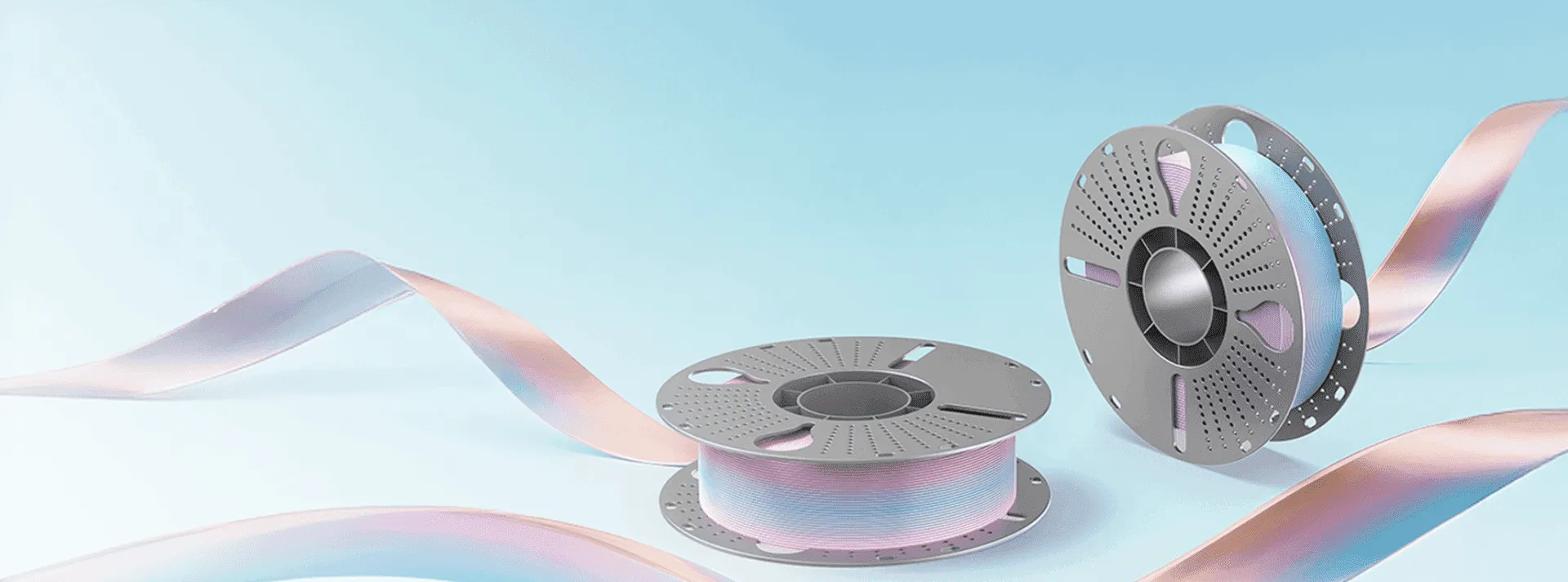
Dual color PLA filament gives 3D printed models a distinctive appearance by combining two colors within a single filament. Unlike standard single color PLA, its visual effect changes according to printing direction, model geometry, temperature, and speed. For users who want decorative models with more depth without switching filaments, dual color PLA can be a practical material choice.
However, achieving consistent results requires more than selecting an attractive color combination. Understanding how the material behaves during extrusion can help users choose suitable models and adjust their printing settings. WonderMaker 3D Silk Dual Color filament is designed to provide smooth color transitions, stable color appearance, and precise printing with a low tendency to warp.
What Makes Dual Color PLA Filament Different?
The defining feature of dual color PLA filament is its two color structure. The colors are combined within the same filament rather than being printed through two separate nozzles. As the filament passes through the hotend, its orientation affects which color is more visible on different surfaces.
This is why the same spool can create different visual effects on a single model. Curved surfaces, changes in printing direction, and different viewing angles can make one color appear more prominent than the other. Research into dichromatic filament also shows that the orientation of the filament and the movement of the nozzle have a direct influence on the resulting color pattern.
For users, this means dual color PLA filament should not be treated simply as PLA in two colors. The geometry of the model plays an important role in how the final print looks.
How Model Geometry Affects Color Transitions
Model design is one of the most important factors affecting a dual color print. Curved and multi faceted models generally provide more opportunities for the two colors to shift across visible surfaces. Vases, figurines, decorative containers, ornaments, and other rounded objects can therefore show the color transition clearly.
Flat models may produce a less noticeable effect because large surfaces can display mainly one color. In contrast, models with curves and changes in surface direction allow the viewing angle to interact with the filament structure.
WonderMaker 3D notes that its Silk Dual Color filament creates a smooth transition between two colors and that printing orientation and viewing angle influence the appearance of the gradient.
When selecting a model, users should therefore consider not only whether the design is printable, but also whether its shape can showcase the dual color effect.
Printing Temperature and Speed Matter
Temperature has a direct effect on extrusion behavior and surface appearance. WonderMaker 3D recommends a nozzle temperature range of 190 to 230°C for its Silk Dual Color filament, while the recommended bed temperature range is 0 to 60°C.
Users should still treat these values as a starting point rather than a universal setting. Printer type, nozzle size, cooling, and environmental conditions can all influence the final result.
Print speed is also important when working with silk based PLA. A lower speed can help improve surface quality and allow the material to develop a more consistent glossy appearance. Other dual color silk PLA manufacturers similarly recommend slower printing when appearance and gloss are priorities.
If the print looks dull, uneven, or lacks clear color transitions, adjusting temperature and speed gradually may be more effective than changing several settings at once.
Moisture and Filament Storage
Like other PLA based materials, dual color filament should be stored properly to maintain consistent printing performance. Moisture can affect extrusion stability and surface quality, which may become more noticeable on glossy materials.
Keeping the spool in a dry environment and using appropriate drying procedures when necessary can help reduce printing issues. Some silk dual color PLA products recommend drying before use, particularly when the filament has been exposed to humid conditions.
For regular users, proper storage is a simple part of print preparation that can help maintain stable results over multiple projects.
Choosing the Right Applications
Dual color PLA filament is particularly suitable when appearance is an important part of the finished model. Decorative figures, display pieces, vases, ornaments, models, and creative prototypes can benefit from its changing color effect.
It is less appropriate when the primary requirement is maximum mechanical performance or resistance to high temperatures. Silk PLA is generally selected for its visual qualities rather than as a replacement for engineering focused materials.
Before printing a functional component, users should consider whether the material properties match the intended application instead of choosing the filament only for its appearance.
Get More Consistent Results With WonderMaker 3D
The performance of dual color PLA filament depends on the interaction between material properties, model geometry, and printer settings. Understanding these factors makes it easier to predict how the two colors will appear and how to adjust the print when the result does not match expectations.
WonderMaker 3D Silk Dual Color filament is designed with smooth color transitions, stable color appearance, low warping, and high precision in mind. Its recommended nozzle temperature range of 190 to 230°C provides a practical starting point for users looking to explore different models and visual effects.
For users who want more visual variety without managing multiple filament colors, dual color PLA filament offers a straightforward way to create distinctive prints. With suitable model geometry, controlled printing settings, and proper filament storage, its two-tone effect can become a consistent part of the printing process rather than an unpredictable result.

